
Why You Need a Planner App for Exams in 2026
As we move through the 2026 academic year, the volume of digital resources, online lectures, and PDF syllabi has made traditional paper planners feel a bit like using a map from the 1900s to navigate a modern city. We have all been there: staring at a mountain of notes, feeling that familiar knot of “time blindness” where three weeks until finals feels like an eternity until it is suddenly tomorrow.
Statistics show that 40% of study time is wasted by students who lack a structured plan. Without a dedicated planner app for exams, hours are lost simply deciding what to open first or re-reading the same introductory chapter because it feels “safe.” This lack of direction is why 67% of students report feeling overwhelmed at the very start of their revision period.
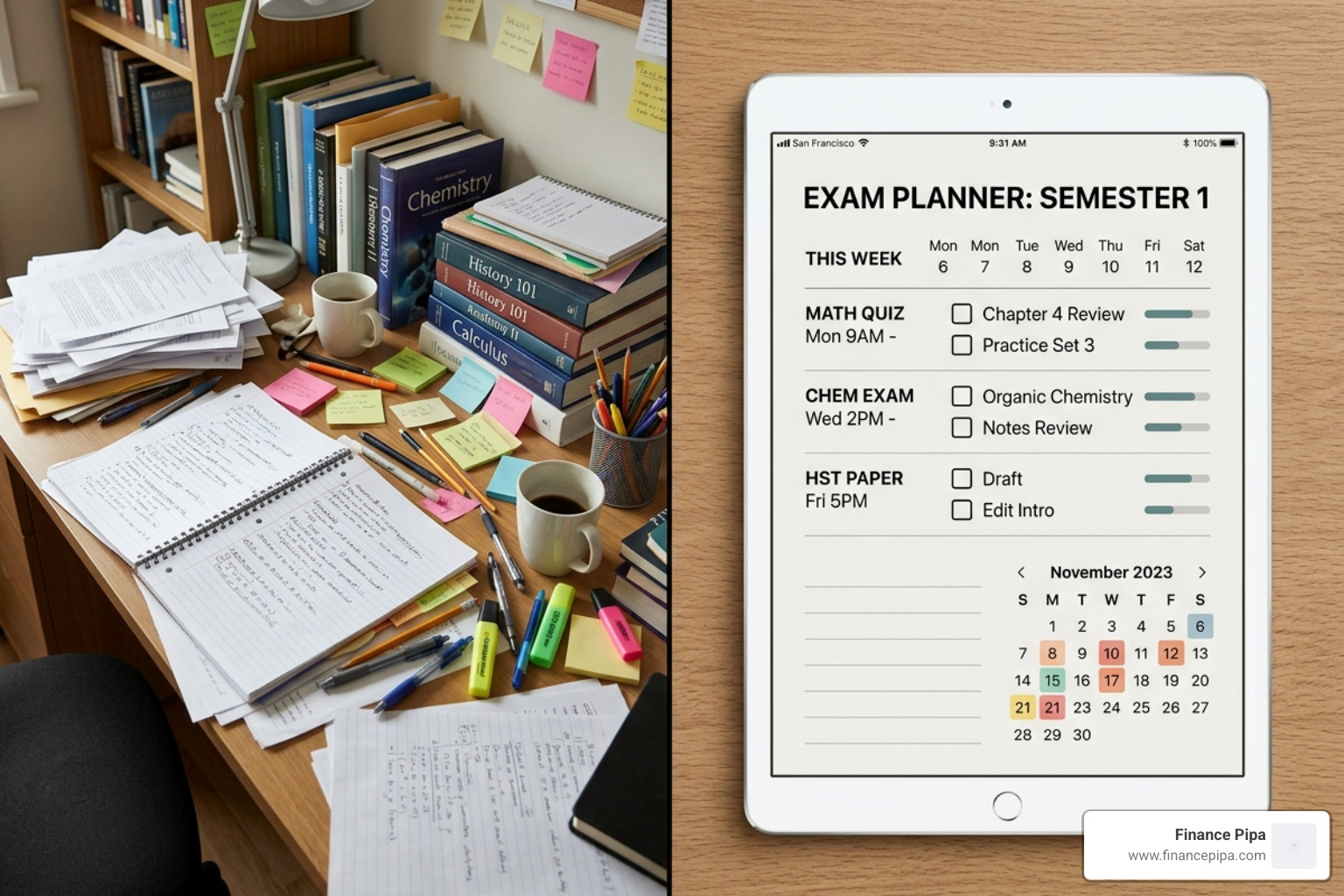
The chaos is not just about messy desks; it is about mental load. When you use a digital planner, you offload the “remembering” to the app, freeing up your brain for “learning.” In Reddit community discussions on staying organized, students frequently highlight that pairing a calendar for time-blocking with a task manager is the only way they survive exam season. Whether you are dealing with ADHD, dyslexia, or just a heavy course load, a digital tool provides the structure that willpower alone often cannot.
A good planner app for exams also helps translate vague intentions into concrete action. “Study biology” is too broad to be useful, but “review cell respiration flashcards for 25 minutes” is clear, measurable, and much easier to start. That shift matters because starting is often the hardest part of revision. Once a task is broken into small steps, resistance drops and consistency becomes more realistic.
There is also the problem of invisible workload. Students often underestimate how long revision takes because they only think about lectures and exam dates, not the hidden work in between: summarizing notes, making flashcards, completing practice questions, reviewing weak areas, and sitting mock papers. A planner makes all of that visible. Instead of being surprised by your workload in the final week, you can spread it across the month and protect time for sleep, meals, exercise, and breaks.
This is especially useful during periods when multiple deadlines collide. Coursework, part-time jobs, extracurriculars, and personal responsibilities do not disappear just because exam season begins. A dedicated planner app for exams lets you see your academic life in context, so you can make smarter decisions about what to prioritize, what to delay, and when to ask for help. In short, planning is not just about productivity. It is a practical way to reduce uncertainty, create momentum, and make exam preparation feel manageable.
Essential Features of an Effective Planner App for Exams
Not all planners are created equal. You might use a basic to-do list for groceries, but for a high-stakes physics final, you need something more robust. We recommend looking for specialized features that bridge the gap between “knowing a deadline” and “mastering the material.”
| Feature | General Planner | Specialized Exam Coach | Why It Matters |
|---|---|---|---|
| Deadline Tracking | Yes | Yes | Basic awareness of when the exam occurs. |
| Pomodoro Timers | Rare | Often Built-in | Encourages deep work and prevents burnout. |
| Grade Tracking | No | Yes | Helps you prioritize subjects where you need a boost. |
| Task Dependencies | No | Yes | Ensures you don’t try to take a mock exam before reading the text. |
| Syllabus Breakdown | Manual | AI-Automated | Turns a 50-page PDF into a checklist in seconds. |
An effective planner app for exams should also offer mobile accessibility and sync features. In 2026, your schedule needs to live on your phone, your laptop, and your tablet simultaneously. If you add a study session on your laptop at the library, it should ping your phone to remind you to stop focusing.
Maximizing Your Planner App for Exams Throughout the Semester
A planner is only as good as the data you put into it. To truly “set and forget” your stress, we suggest a three-tier review system:
- The Semester Review: At the start of the term, take two hours to upload every syllabus. This is when you set your “do dates”—the actual days you will work—rather than just “due dates.”
- The Weekly Planning Session: Every Sunday, spend 20 minutes looking at the week ahead. Adjust for any surprise assignments or social events.
- The Daily Check-in: A 5-minute morning scan helps you visualize your “time health.”
By scheduling rest and recurring assessments into your app, you avoid the “80% abandonment rate” seen with generic study plans. You aren’t just planning to study; you’re planning to succeed while keeping your sanity.
How AI and Syllabus Integration Revolutionize Your Study Schedule
The biggest innovation in 2026 is the death of manual data entry. Gone are the days of typing “Chapter 1” through “Chapter 30” into a calendar. Modern apps now feature AI-powered syllabus integration. You simply upload a PDF or take a photo of your course outline, and the AI identifies the exam dates, weightings, and key topics.
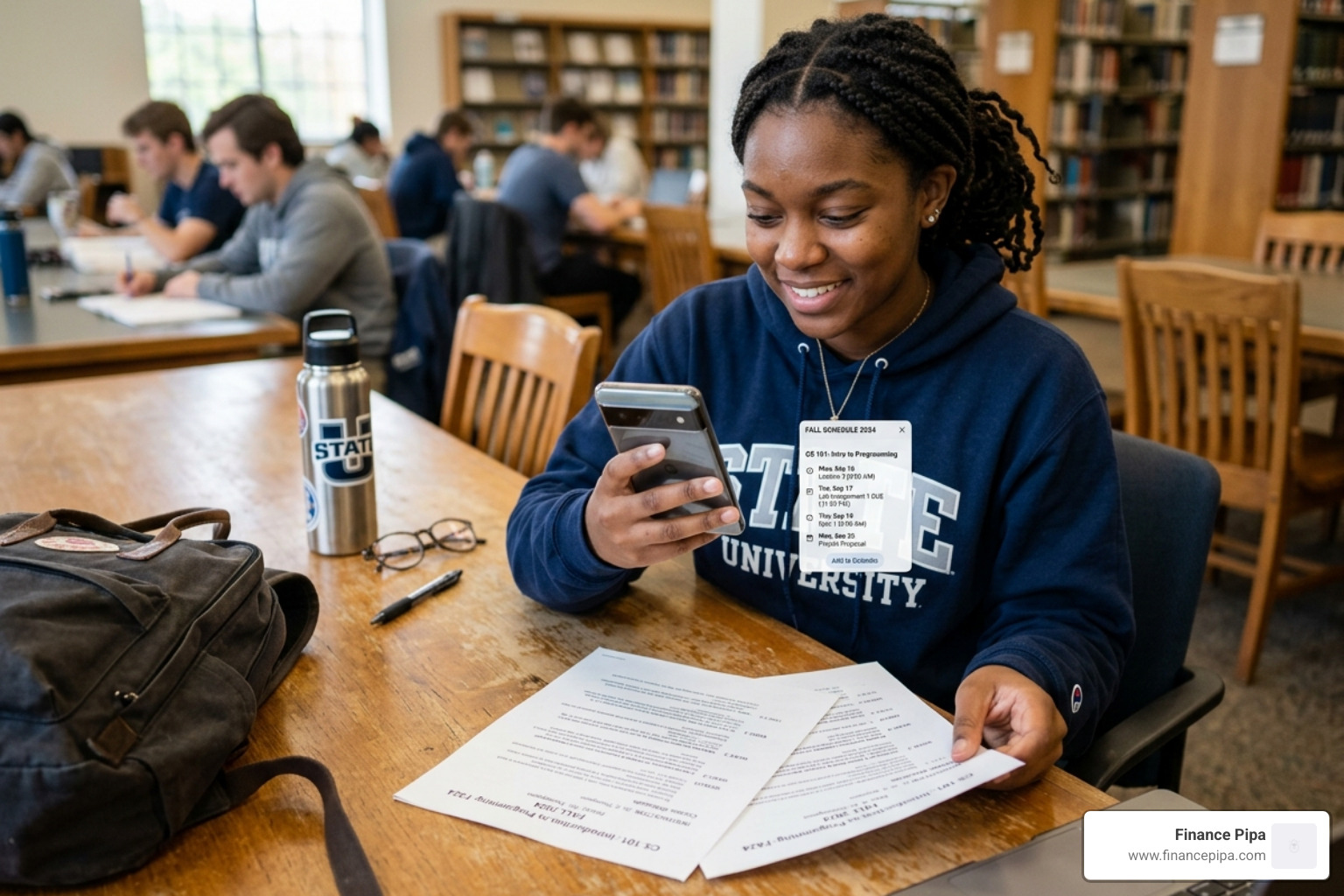
This creates a seamless cross-platform synchronization for students, ensuring your timetable is always accurate. These apps don’t just tell you what to do; they predict your future workload. If you have three exams in one week, the AI will “cushion” your schedule, moving prep tasks earlier so you aren’t pulling all-nighters.
The Power of an AI-Driven Planner App for Exams
AI coaches, such as the tools we provide at Finance Pipa, take things a step further with “energy matching.” If the app notices you are most productive at 10:00 AM, it will suggest your hardest topics (like Organic Chemistry) for that window, leaving easier tasks for your afternoon slump.
These systems use iterative learning cycles. After a study session, you rate your confidence. If you rate a topic as “Low Confidence,” the app automatically reshuffles your schedule to give that topic more airtime before the big day. It’s like having a personal tutor who knows exactly what’s in your head.
Science-Backed Benefits: Reducing Stress and Boosting Retention
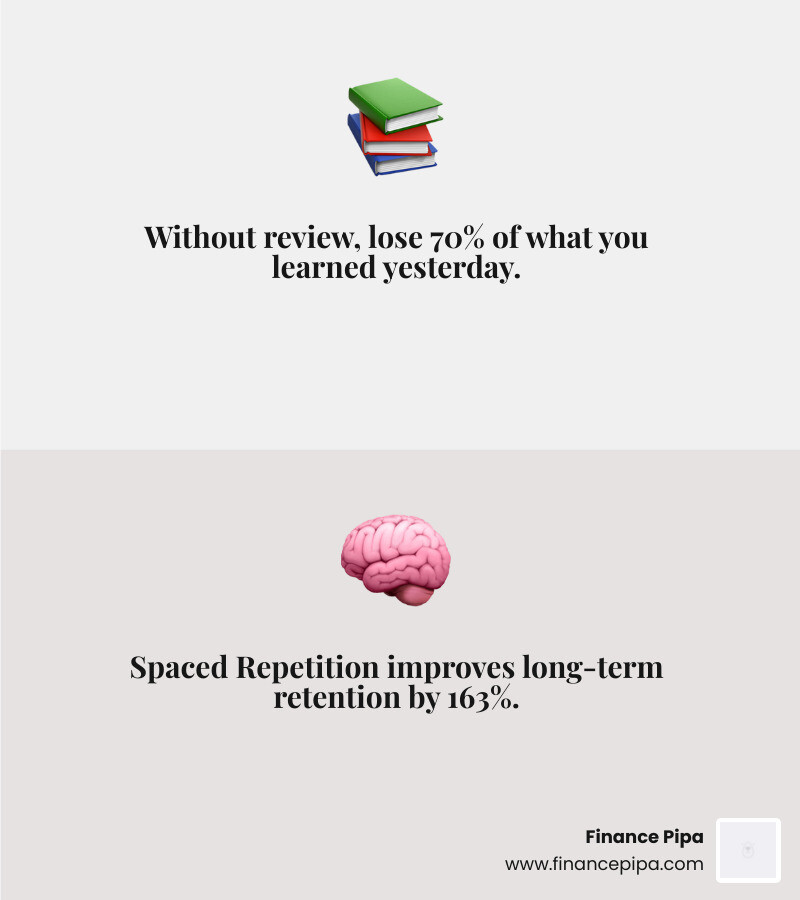
Why do we insist on structured planning? Because your brain is designed to forget. Without review, you lose 70% of what you learned yesterday. However, when you use a planner app for exams that utilizes Spaced Repetition, your long-term retention can improve by a staggering 163%.
- Spaced Repetition: Instead of studying for 10 hours once, you study for 1 hour, ten times, at increasing intervals. This moves info from short-term to long-term memory.
- Interleaving: This involves mixing different subjects or topics in one study session. Research shows this increases retention by 108% compared to “blocked” practice (studying only one thing for hours).
- Retrieval Practice: The best apps schedule mock papers and quizzes at the “point of forgetting” to strengthen neural pathways.
By automating these scientific principles, these apps significantly reduce academic anxiety. You no longer have to worry if you’re “doing enough”—the app has already calculated the math of your memory.
Choosing the Best Planner App for Exams Based on Your Study Style
Every student is different, and your choice of app should reflect how you work.
- The “I Need a Push” Student: Look for apps with “Cushion” technology and aggressive reminders. These are great for overcoming procrastination by showing you exactly how much “free time” you actually have (it’s usually less than you think!).
- The Visual Learner: Specialized countdown tools provide aesthetic, color-coded interfaces that make your progress feel tangible.
- The High-Stakes Candidate: If you are prepping for board exams or licensing tests, advanced study platforms offer pre-mapped content that aligns with specific exam boards like AQA, IB, or AP.

Digital Planning: Pros and Cons
- Pros: Automatic adjustments, sync across devices, AI-powered prioritization, and built-in focus timers.
- Cons: Potential for digital distraction (if you end up on social media) and the small learning curve of the app itself.
Most of these tools offer a free version or a trial period. We suggest starting with a free version to see if the interface clicks with your personal style before committing to a monthly subscription.
Conclusion
At Finance Pipa, we believe that academic success shouldn’t come at the cost of your mental health. Our integrated study productivity suite—including our Notes, Focus, and Planner tools—is designed to help you achieve more with less friction. By choosing the right planner app for exams, you aren’t just organizing your subjects; you’re reclaiming your weekends and your peace of mind.
Ready to transform your study routine? More info about Finance Pipa services can help you find the perfect balance between high grades and a life outside the library.
Frequently Asked Questions about Exam Planning Tools
Can these apps really reduce my exam anxiety? Yes. Much of exam anxiety stems from the “unknown”—not knowing if you have enough time to cover the syllabus. By visualizing your workload and seeing a “green light” on your time health, you replace panic with a sense of control.
What is the difference between a countdown app and a study coach? A countdown app simply tells you how many days are left (creating urgency). A study coach (like the AI-powered apps mentioned) tells you what to do during those days, how to prioritize topics, and when to review to maximize memory retention.
Are there free versions of these exam planners available? Absolutely. Many planner apps are free or offer robust free tiers. Premium versions usually add features like AI syllabus scanning, subtask breakdowns, and advanced performance analytics.
